Google Keep Alternative: No Account, Works Offline
Google Keep is good at what it does: fast notes, checklists, and everything synced to your Google Account. People usually start looking for a Google Keep alternative for one of three reasons. They do not want their notes tied to a Google Account. They want something that keeps working with no signal. Or Keep has turned into a pile of sticky notes, and what they actually need is somewhere for to-dos, reminders and the “did I lock the door?” question.
This page is for the first two groups, and partly for the third. Unutma is our app, so we are not neutral. To make up for that, every claim about Keep below links to Google’s own help pages or App Store listing, and the table includes the rows where Keep beats us. If one of those rows matters most to you, stay with Keep.
The honest comparison table
Keep facts were checked October 2026 against Google’s official pages, which are linked under the table. Unutma facts come from the current app (iPhone, iPad and Android).
| Google Keep | Unutma | |
|---|---|---|
| Account needed | Yes. Notes are saved to your Google Account (source) | No. There is no sign-up screen: no name, no email, no profile |
| Where your notes live | Google’s data centers, encrypted in transit and at rest (source) | Only on your phone. We have no server to send them to |
| Works offline | On the mobile apps, but not on a computer (source) | Yes, all of it, the built-in assistant included. It works in airplane mode |
| Sync across devices | ✅ Yes, everything syncs (App Store listing) | ❌ No sync. You move data with a backup file (Premium) |
| Use it on a computer | ✅ Yes, at keep.google.com (source) | ❌ No. It is a phone and tablet app only |
| Live shared lists | ✅ Yes, through collaborators or a family group (source) | ❌ No. You can send a one-off copy of a to-do or shopping list as a file, but it does not update live |
| Reminders | Timed, repeating (source) and location-based (App Store listing) | Timed reminders and routines (weekly, monthly, every few days). No location reminders |
| Voice | Voice memos, automatically transcribed (App Store listing) | Say a sentence and it goes to the right place: calendar, list, budget, routine |
| Price | Free (App Store listing) | Free with limits. Premium is monthly, yearly or a one-time lifetime purchase, with a 7-day free trial |
Keep wins on sync, computer access, live sharing, location reminders and price. Unutma wins if you don’t want an account, want your records stored only on your phone, need everything to work offline, or want one sentence to be sorted into the right place.
Who should stay with Google Keep
Stay with Keep if any of these are true:
- You write notes on a laptop. Unutma has no web or desktop version. Keep runs in any browser.
- You share a grocery list with your partner and want to see items checked off live. Unutma cannot do that.
- You want a reminder when you arrive somewhere. Keep offers location reminders and Unutma does not.
- You want to pay nothing, ever, with no limits on note count. Keep is free. Unutma’s free plan has limits (details below).
None of those is a small thing, and we would rather you choose the right tool than switch and feel let down.
Who Unutma is the better Keep alternative for
You don’t want your notes in a Google Account
Many people use Keep because it came with the phone, not because they chose to put their passport renewal date, their kids’ clinic notes and half-written journal thoughts into an online account. Unutma has no account at all. There is no login to forget and no password to reset, and no account can be breached because none exists.
You want it to work with zero signal
Keep’s own help page says offline access works in the mobile apps but not on a computer. Unutma has nothing to sync, so there is no online mode and offline mode. It is the same app either way. Shopping lists in a basement supermarket, notes on a plane, a reminder in a rural area: all of it works the same.
You want notes, lists and “did I do it?” in one place
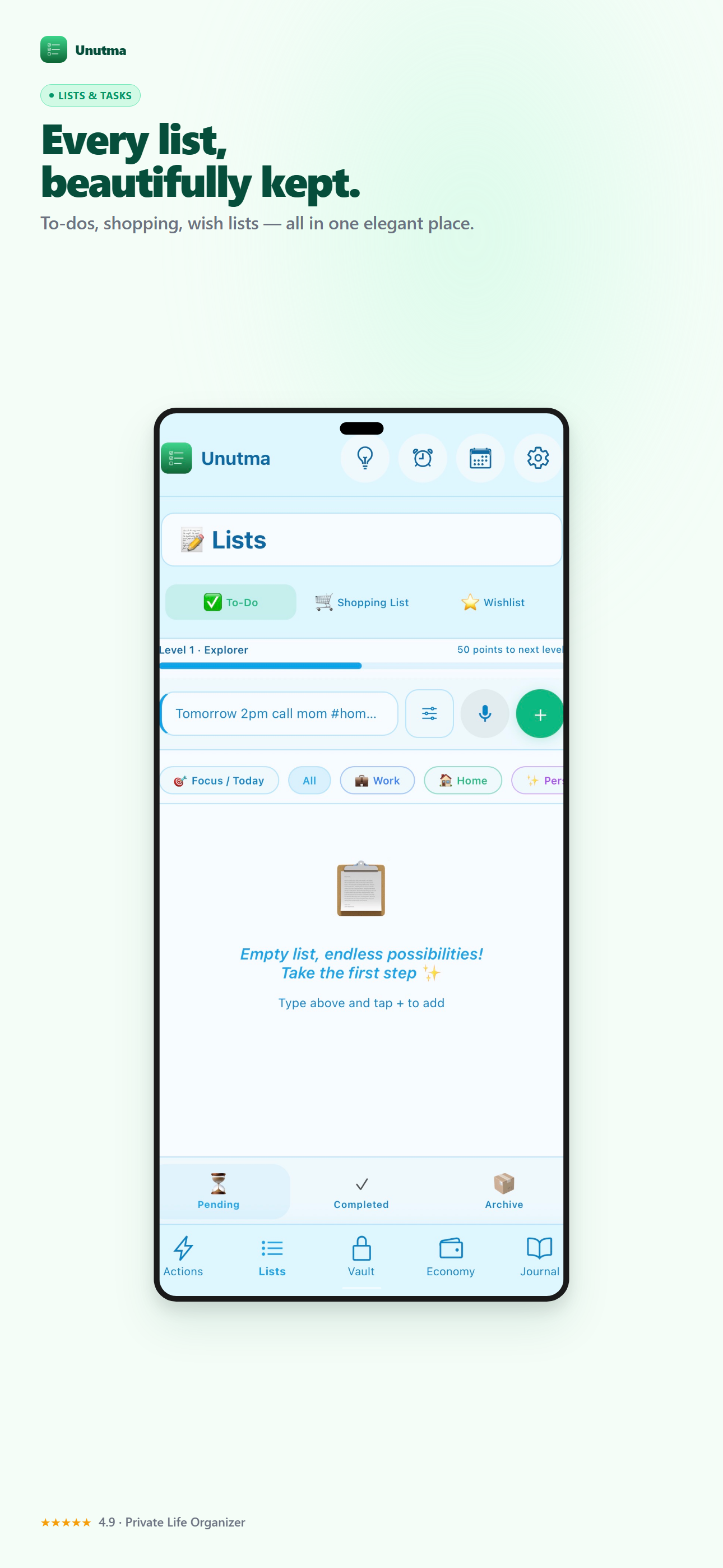
Keep is a notes board. Unutma has more sections, each with its own job:
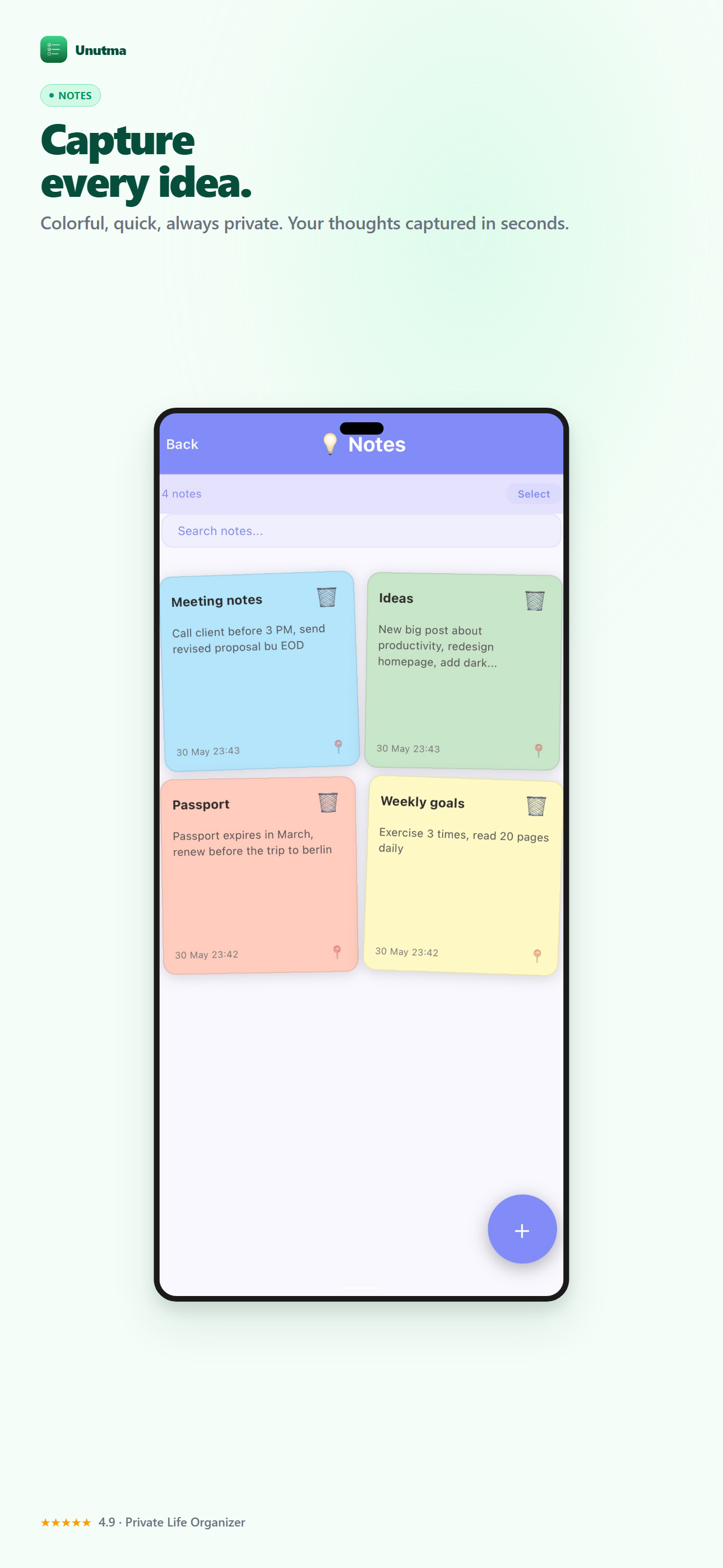
- Notes for loose thoughts (the colored cards at the top of this page)
- Lists split into to-do, shopping and wishlist, so groceries don’t sit next to your life goals (how the three lists work)
- Quick actions: one tap to log “locked the door” or “took medicine”, so you can check later instead of worrying
- Routines and reminders, a budget, an encrypted journal, and a Vault for passwords behind Face ID
You can also type or say one sentence, like “Dentist Thursday at 3, buy milk, spent 25 at the store”, and Unutma splits it into an appointment, a list item and an expense. It shows you each one before saving. Here is how the voice feature works.
What is free and what is Premium (exact numbers)
Unutma’s free plan has limits, and you should know them before switching:
- Unlimited for free: the assistant, quick actions, the shopping list and the budget.
- Free up to a cap: 25 open to-dos, 25 notes, 3 routines or reminders, 3 Vault entries, 10 wishlist items, and 10 journal entries per month.
- Premium: removes those caps and adds the backup file for moving to a new phone, plus CSV and PDF export, statistics and the mini games. Plain data export (JSON) is free.
- Your data is never deleted or hidden if you stay on the free plan or your trial ends.
Every feature is unlocked for the first 7 days, so you can test it properly before deciding.
Moving from Keep: a 15-minute plan
Unutma does not import Keep notes automatically, and we don’t want you to think it does. Here is the low-effort way to move:
- Don’t move everything. Open Keep and pick only the notes you opened in the last month. Most people find that’s fewer than 20.
- Checklists become Lists. Retype grocery and to-do checklists into the Shopping or To-Do list. Or say them: “buy eggs, bread and coffee” turns into three items.
- Anything with a password or PIN goes into the Vault, not into a note.
- Recurring notes (“water plants every Sunday”) become routines, so they remind you instead of waiting to be found.
- Keep Keep for a month. Leave Keep installed until you’re sure. Nothing forces you to delete it.
The trade-off, said plainly
With no account and no cloud, nobody can restore your data if you lose your phone. That includes us. That is the cost of the privacy, and it is why the backup file matters. If you switch, read how to move your Unutma data to a new phone once, so you know where that file lives.
Bottom line
If you need a laptop, live shared lists, or location reminders, Google Keep is the better app, and it’s free. If you want a Google Keep alternative with no account, where everything stays on your phone and works offline, Unutma was built for that.
Unutma is on the App Store and Google Play. Try the full app for 7 days and see whether your head feels quieter.